01
Motion Protection
Place your iPhone down. If it moves after the countdown, the alarm responds.
Desks · cafés · shared spacesTurn your iPhone into a responsive security alarm. Detect movement, cable or audio disconnection, pocket removal, unwanted touches, and unlock activity—all from one focused app.

Six focused modes
Security Alarm watches the physical signals that matter when your iPhone is nearby but not in your hand. Choose the situation, start the countdown, and walk away with more confidence.
Place your iPhone down. If it moves after the countdown, the alarm responds.
Desks · cafés · shared spacesKnow when someone disconnects your iPhone from its charging cable.
Airports · libraries · hotel roomsTrigger protection when wired or Bluetooth audio unexpectedly disconnects.
Headphones · speakers · commutesGet an audible warning when your iPhone leaves a pocket or bag.
Transit · events · crowded placesA discreet monitoring screen captures photos when someone touches your phone.
Private rooms · workspaces · homeReturn to a clear activity check and review whether your iPhone was unlocked.
Meetings · study sessions · breaks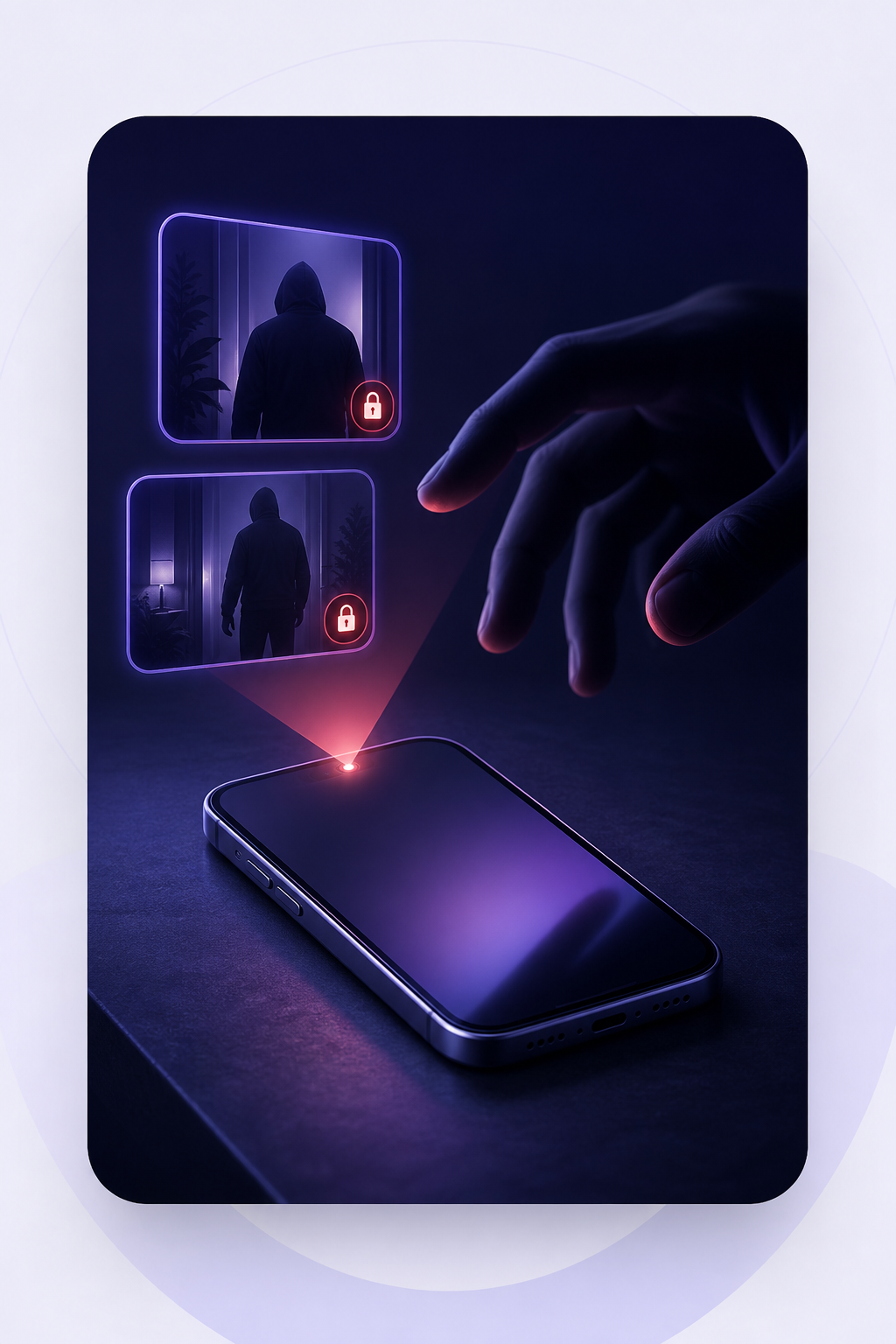
Intruder Watch
A discreet “Session Expired” screen stays open while the camera watches for movement. If someone touches your iPhone, captured photos are organized in the Intruder Gallery for review.
Discreet monitoring designed for an unattended phone.
Session-based photos with dates and protection context.
Owner-aware cleanup reduces accidental photos after quick authenticated stops.
Privacy-first by design
Photos, event history, your app passcode, and protection preferences remain on your iPhone by default. Face ID and Touch ID are handled by iOS—not by NilApps.
Local by default
Sensitive captures are not automatically sent to NilApps.
Biometrics stay with Apple
The app never receives your face or fingerprint template.
iCloud only when you choose
Manual backup uses your private iCloud database.
More control, less guesswork
Review captured photos by session, with clear dates and protection-mode context.
Keep a focused history of unlock-monitoring sessions and outcomes.
Authenticate before protected actions using the security already built into iPhone.
Add a dedicated four-digit passcode and require authentication when you return.
Photos from brief, owner-authenticated alarms can be removed automatically.
Manually back up selected photos, event history, and protection settings to your private iCloud database.
Choose a built-in tone or import your own audio file for a more recognizable alert.
Adjust start countdown, trigger delay, sensitivity, volume, vibration, and photo count.

Your alarm, your way
Set the experience once, then start protection in seconds. Choose how sensitive Motion Protection should be, how long you need to place the phone, and what happens when a trigger is detected.
Simple when it matters
Select Motion, Power, Audio, Pocket, Intruder Watch, or Unlock Notify.
Use the countdown to place, connect, pocket, or lock your iPhone.
Hear the alarm, authenticate to stop it, and review photos or event history.
Good to know
No. Security Alarm is a proactive awareness layer for moments when your iPhone is nearby—on a desk, charging, in a bag, or left briefly unattended. Keep Find My and your iPhone passcode enabled as well.
No. Captured photos stay on your device by default. Secure iCloud Backup only runs when you choose it and stores selected data in your private iCloud database.
Yes. You can adjust the start countdown, motion sensitivity, alarm trigger delay, alarm volume, vibration, tone, and number of photos.
No app can physically prevent theft. Security Alarm helps you react sooner with sensor-based alerts, activity review, and optional intruder photos, subject to iOS permissions and operating conditions.
Security Alarm – AntiTheft
Six focused protection modes. One calm, capable layer of awareness for your iPhone.
Download on theApp Store