 My Day
Own your day, one ring at a time.
Tasks, habits, calendar and reminders — finally living in one calm, beautifully designed app for iPhone. Plan the morning, build the streak, never miss the moment.
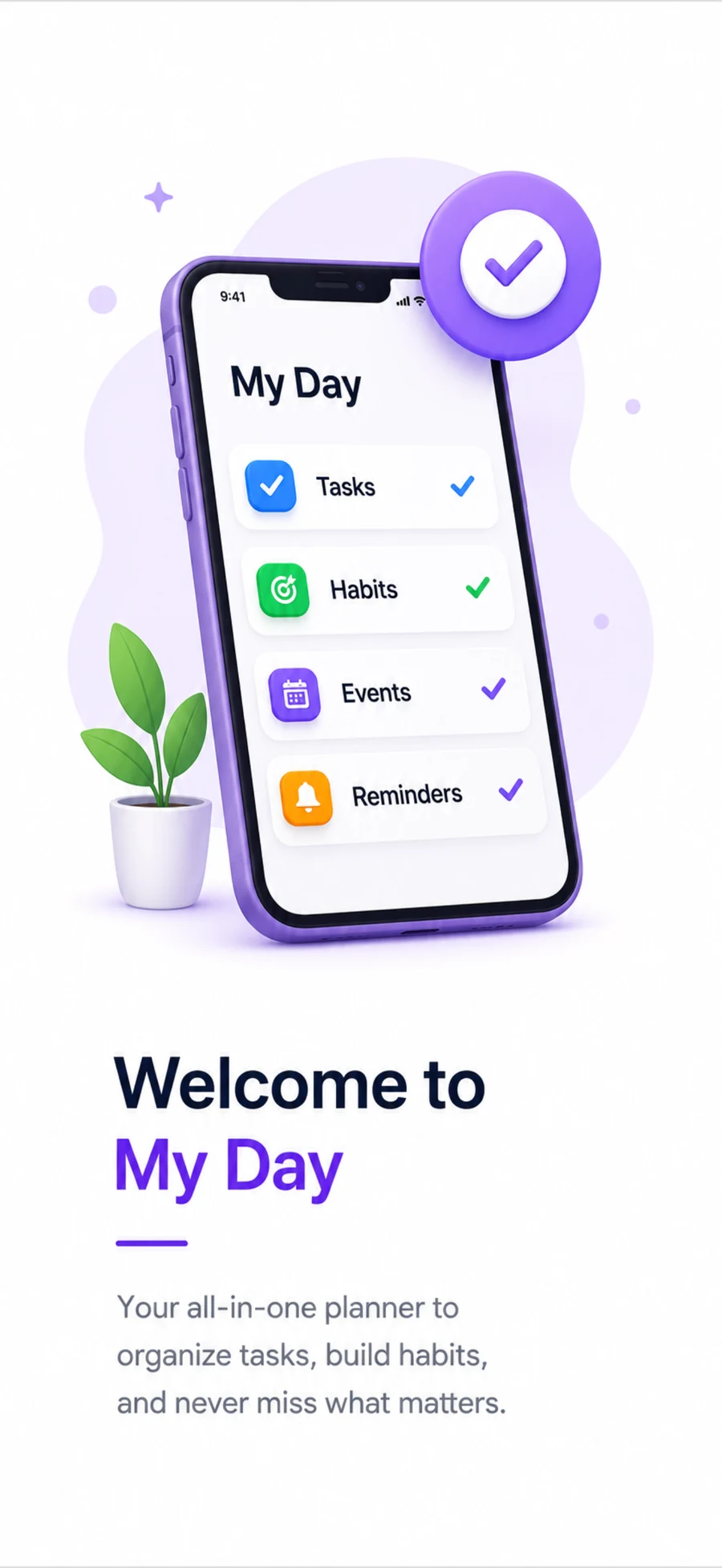
Plan your day with real clarity.
Capture everything on your list, set priorities, and watch a simple progress bar tell you exactly how the day is going — no clutter, no noise.
- ✓Group tasks by Work, Personal or your own custom lists.
- ✓Set High / Medium / Low priority so nothing urgent slips.
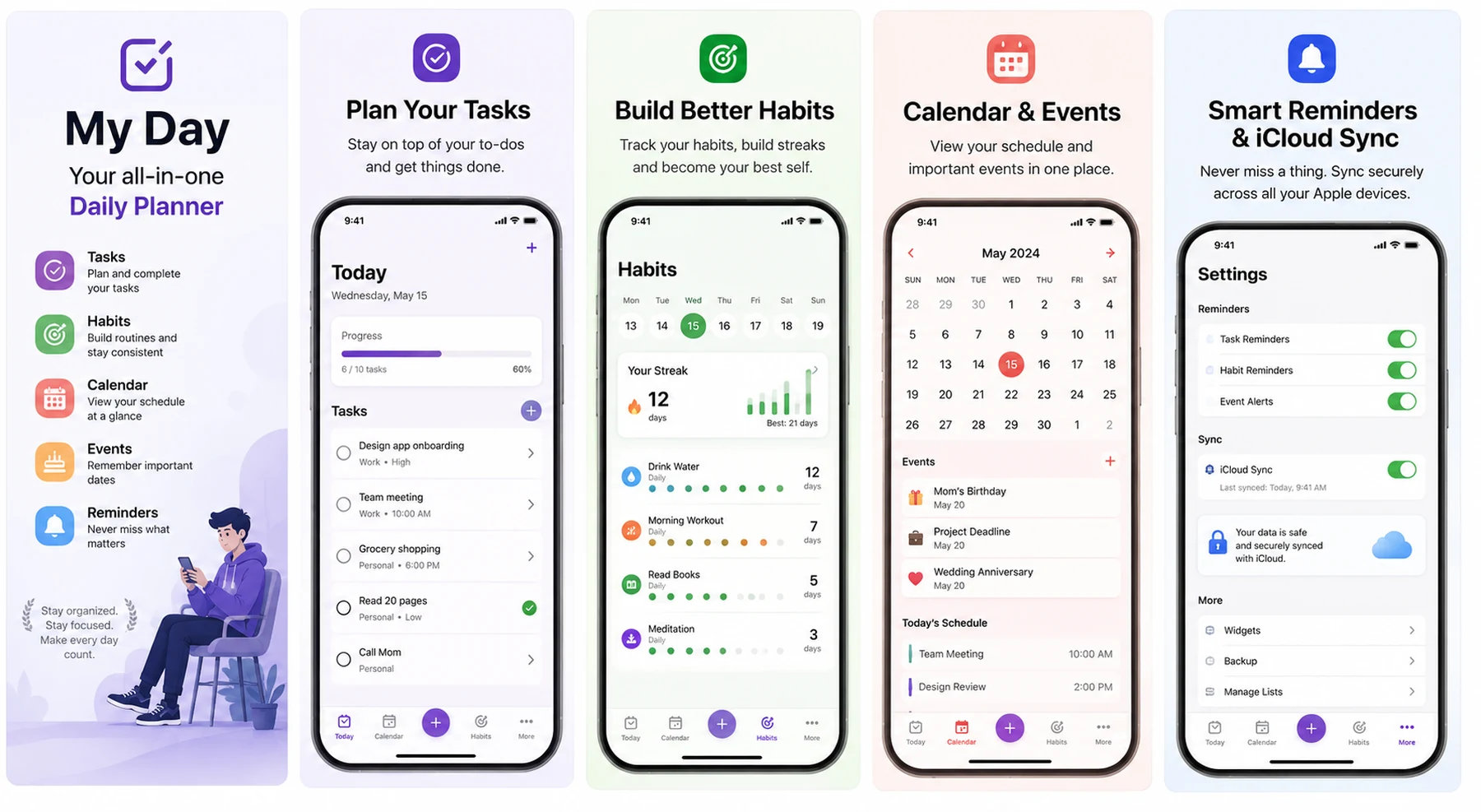
- ✓See daily progress at a glance — like today's "6 / 10 tasks".
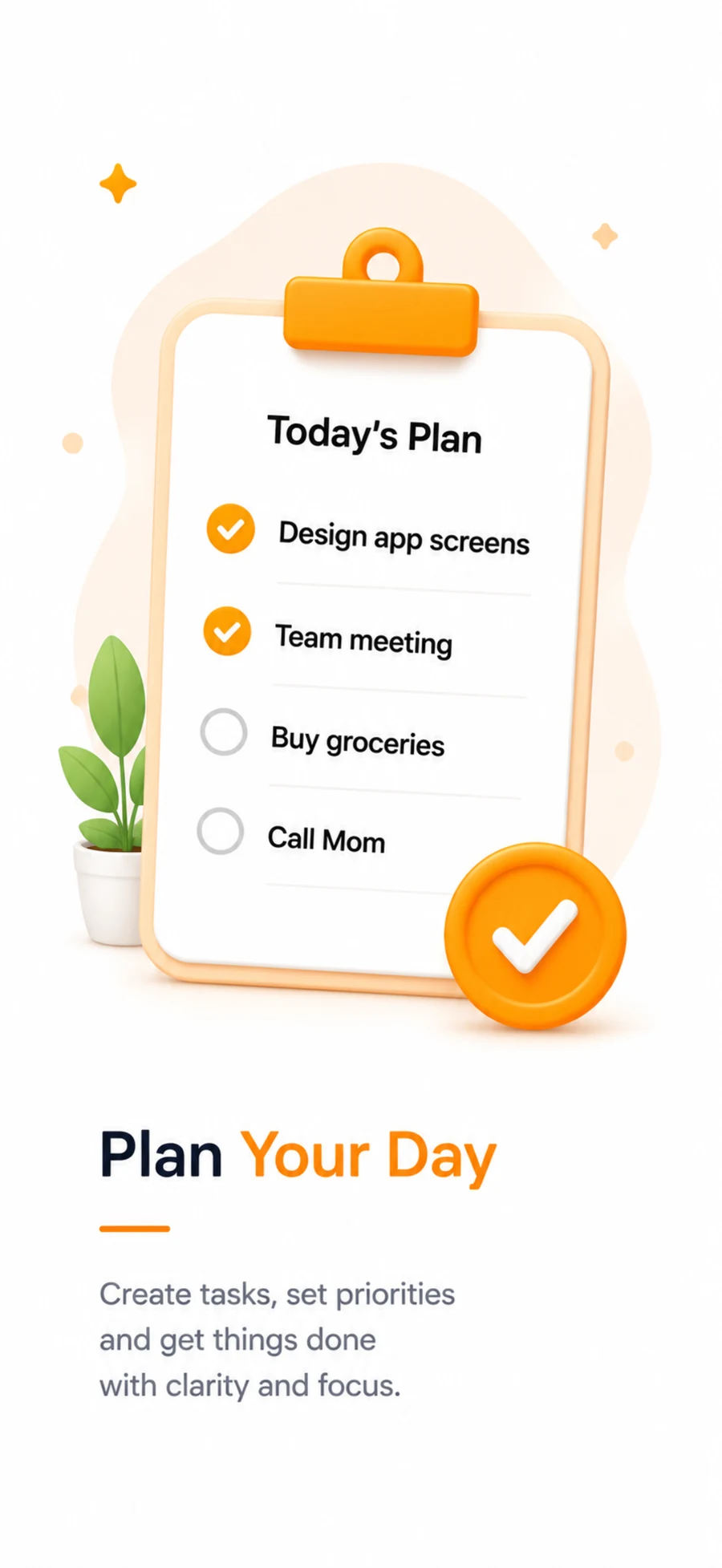
Build habits that actually stick.
Track daily routines — water, workouts, reading, meditation — and let streaks do the motivating. My Day keeps the count so you can keep the momentum.
- ✓Visual weekly dot‑tracker for every habit.
- ✓Streak counters that celebrate consistency, not perfection.
- ✓Personal‑best tracking to beat your own record.
Your schedule and milestones, in one place.
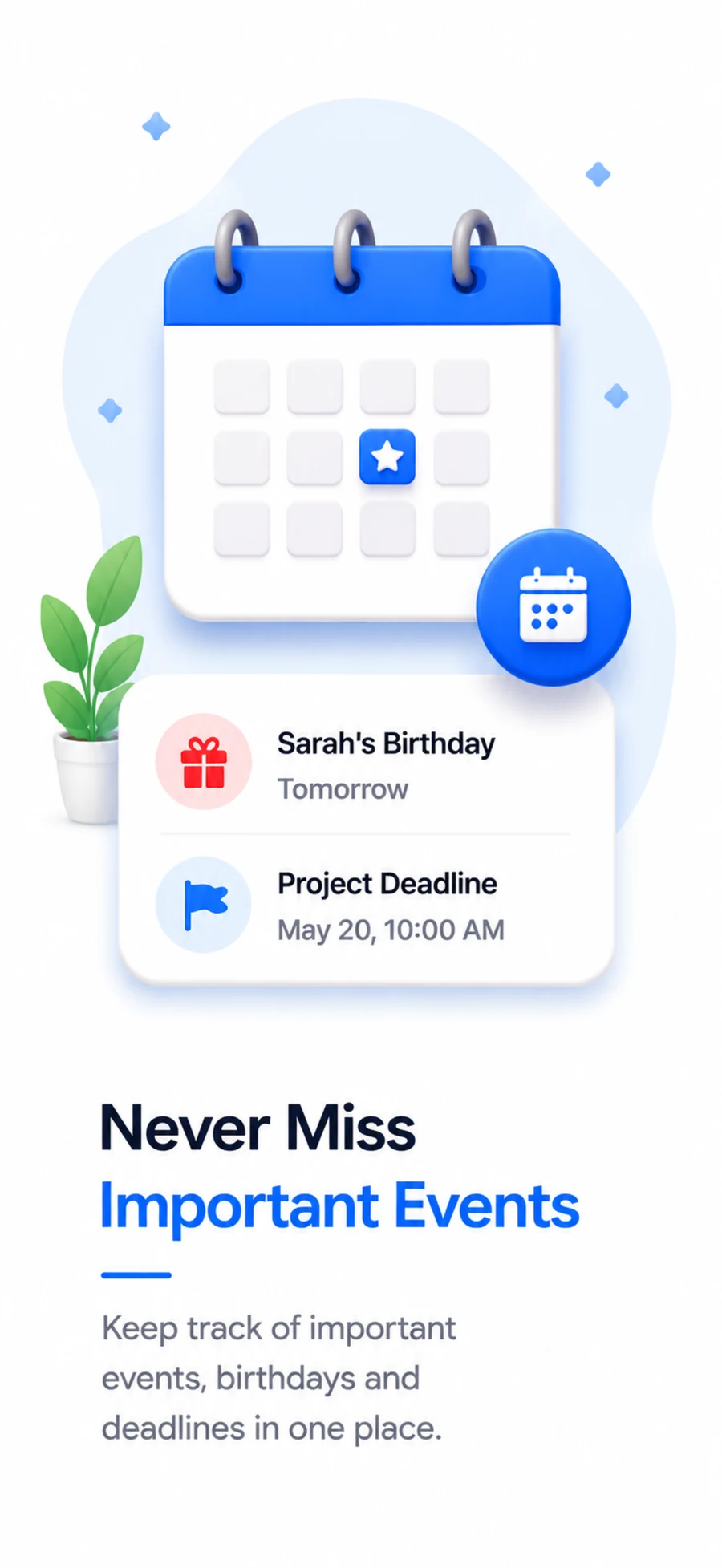
A full month view for the big picture, plus a running list of birthdays, deadlines and anniversaries so the things that matter never sneak up on you.
- ✓Clean month calendar with today always highlighted.
- ✓Upcoming events surfaced automatically — birthdays, deadlines, anniversaries.
- ✓Today's schedule laid out by the hour.
Every device. Every reminder. Always in sync.
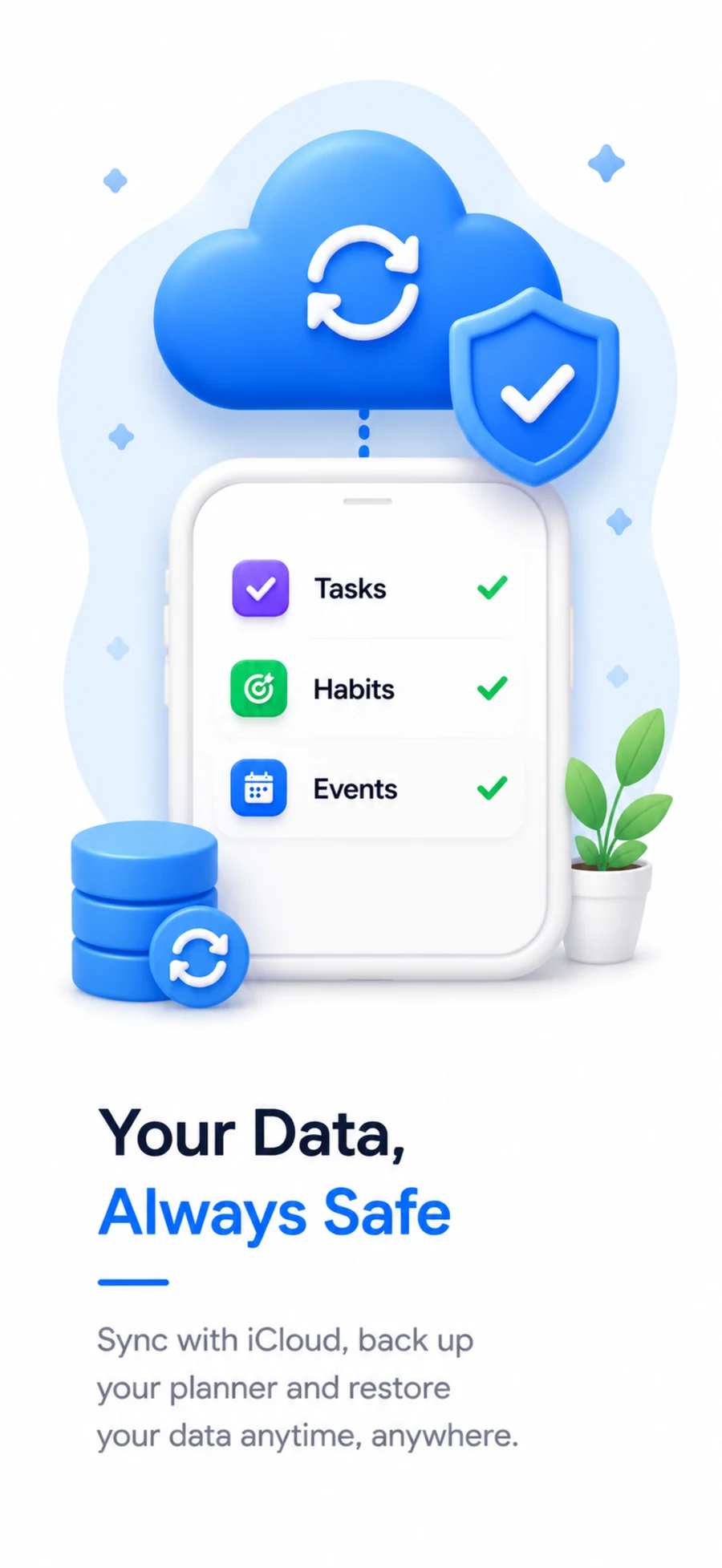
Fine‑tune reminders for tasks, habits and events, then let iCloud quietly keep every iPhone and iPad you own perfectly up to date — and perfectly backed up.
- ✓Granular toggles for task, habit and event alerts.
- ✓Secure, private iCloud sync across your Apple devices.
- ✓One‑tap backup and restore whenever you need it.
Plan. Focus. Achieve.
My Day follows the natural rhythm of a productive day — from laying out your plan, to focusing on what's next, to actually getting it done.
Plan
Open the app and lay out your tasks, habits and events for the day in under a minute. My Day turns a blank day into a clear plan.
01Focus
Smart reminders nudge you at the right moment, so you're always working on what matters now — not scrolling through a messy list.
02Achieve
Check things off, watch your streaks grow, and see the day's progress bar fill up. Small wins, tracked honestly, every single day.
03See My Day in action
Five screens, one rhythm — everything you need to run a focused, well‑organized day.
Make every day count.
My Day is free to download and ready to organize your first day in minutes. No clutter, no noise — just a calmer way through your day.
Download on theApp StoreFrequently asked questions
Everything you need to know before you plan your first day.
Is My Day free to use?+
Yes. My Day is free to download and covers tasks, habits, calendar and reminders out of the box, so you can start planning right away.
Does My Day work across my iPhone and iPad?+
Yes. Turn on iCloud sync in Settings and your tasks, habits and events stay up to date across every Apple device signed in with the same iCloud account.
Can I back up or restore my data?+
Absolutely. My Day backs up through iCloud, and you can restore your full planner — tasks, streaks and events — anytime from Settings.
How do habit streaks work?+
Every time you complete a habit, its streak counter increases. Miss a day and the streak resets, while your personal best is always kept on record so you have something to aim for.
What reminders can I customize?+
You can turn task reminders, habit reminders and event alerts on or off independently from the Settings screen, so you're only notified about what matters to you.
Is my data private?+
Your planner data is stored on your device and synced privately through your own iCloud account. Read the full Privacy Policy for details.
Does My Day show ads?+
My Day is free to download and is supported by ads served through Google AdMob. Your task, habit and event content is never shared with advertisers — see the Advertising & AdMob section of our Privacy Policy for what that involves and how to manage ad tracking.