The complete toolkit
Every feature.
One private home.
Built for everyday privacy, safe organization, reliable recovery and complete control over the information you choose to protect.
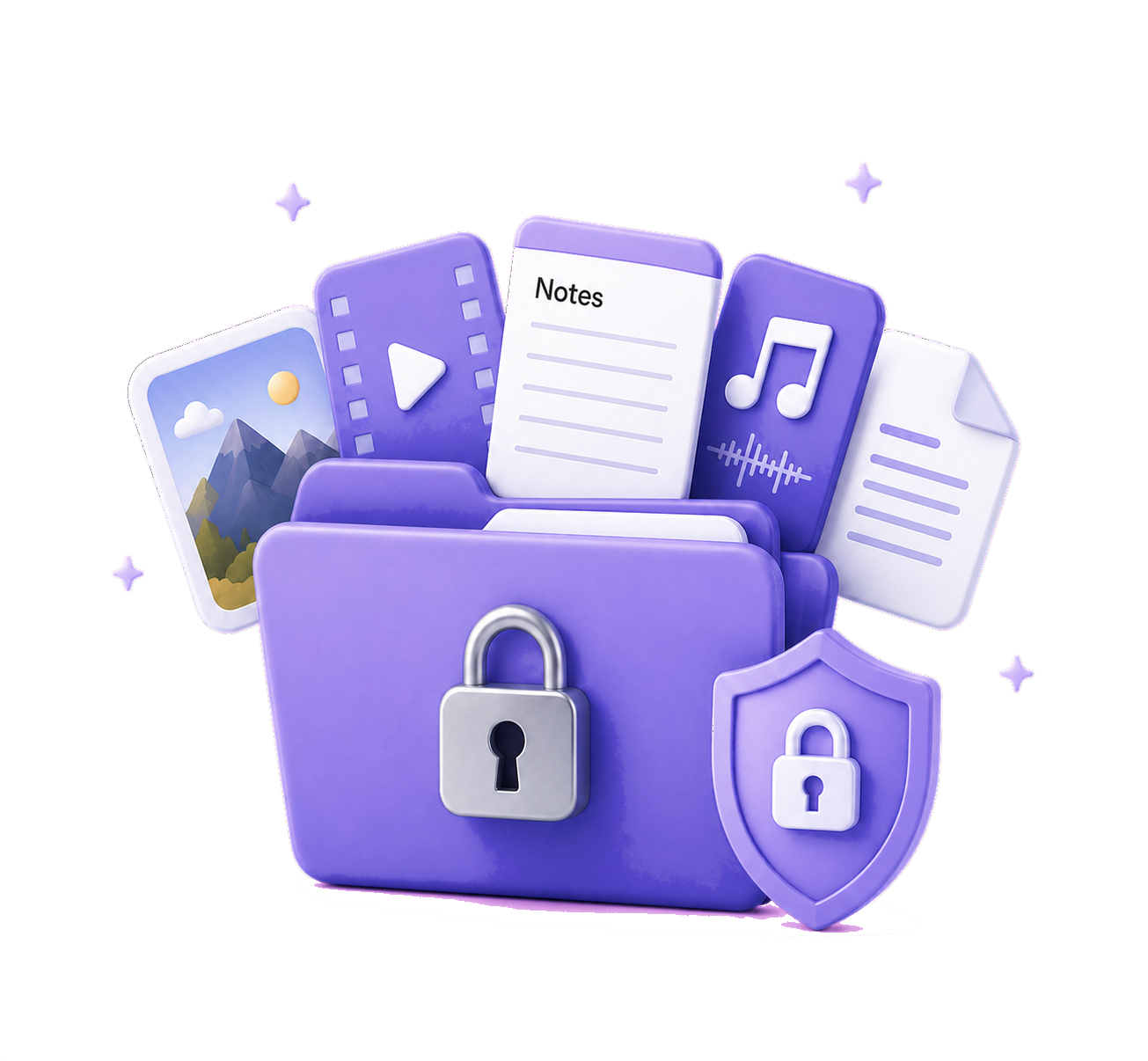
01Private media vault
Keep your personal library protected and beautifully organized.
- Photos, Live Photos, GIFs and original-quality video
- PDFs, documents, audio recordings and private notes
- Direct camera capture, audio recording and safe multi-item import
- Copy, verify and commit workflow with duplicate detection
- Optional removal of verified originals through Apple Photos
02Folders & organization
A serious library system for more than hidden photos.
- Categories, custom folders and nested folders
- Favourites, Downloads and smart collections
- Search plus sorting by date, name, type and size
- Grid and list layouts with adjustable thumbnails
- Multi-select, batch move, delete, restore and export
03Viewing & export
Enjoy private content without giving up a polished media experience.
- Full-screen photo viewer with swipe, pinch and double-tap zoom
- GIF playback, slideshows and video controls
- PDF, document and audio preview inside the vault
- File information, metadata and original-quality sharing
- Save to Photos, Files or the iOS share sheet at any time
04Notes, scans & OCR
Create private information directly inside the vault.
- Auto-saving notes with folders, pinning and checklists
- Protected attachments and note search
- Multi-page document scanning with page review
- On-device text recognition—your scan is not uploaded for OCR
- Search names and recognized document text
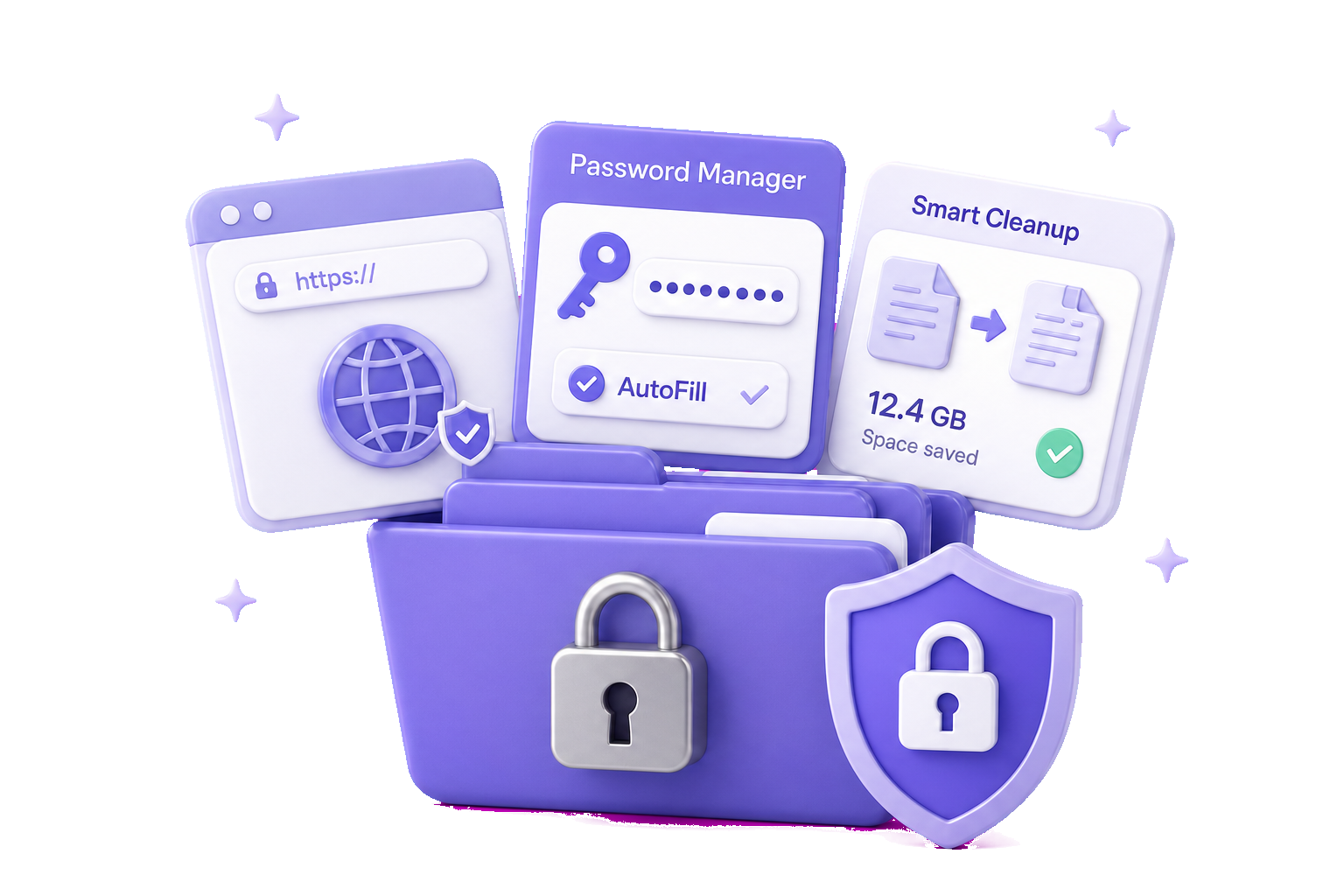
05Passwords & AutoFill
Secure logins that remain useful everywhere you sign in.
- AES-256-GCM encrypted password records
- AutoFill in Safari and supported apps
- Domain-ranked suggestions plus save and update requests
- Time-based one-time passwords for 2FA codes
- Password import and protected encrypted export
06Password health
Find risk without exposing the secrets you are checking.
- Weak-password and missing-2FA review
- Privacy-preserving checks against known breach-password data
- Only a short hash prefix leaves the device during a check
- Exact matching is completed locally
- Clear guidance to replace affected or weak passwords
07Identity wallet
Keep important records together, masked until you authenticate.
- Passports, licences, ID and insurance cards
- Payment cards and vital records
- Encrypted scans, supporting files and attachments
- Front-and-back document capture and on-device identity audit
- Sensitive fields stay concealed until authenticated
08Private contacts
A separate address book for relationships you prefer to keep private.
- Create contacts directly inside the encrypted vault
- Privately import only the contacts you select
- Names, organizations, phones, emails and postal addresses
- Encrypted contact photos, documents and attachments
- On-device duplicate, missing-detail and contact insights
09Smart Cleanup
Find recoverable space privately—and choose every deletion yourself.
- Exact photo, video and vault-file duplicates
- Similar photos, likely duplicate videos and burst groups
- Blurry photos, screenshots and screen recordings
- Large videos, documents and audio files
- Selected external Files folders with review-first recommendations
10Private Browser
A private WebKit session connected directly to your vault.
- Multiple non-persistent tabs and DuckDuckGo search
- Bookmarks, full-screen browsing and session history controls
- Tracker and ad reduction, pop-up and JavaScript controls
- Fraudulent-site warnings and clear HTTP connection warnings
- Protected downloads saved directly into your chosen vault folder
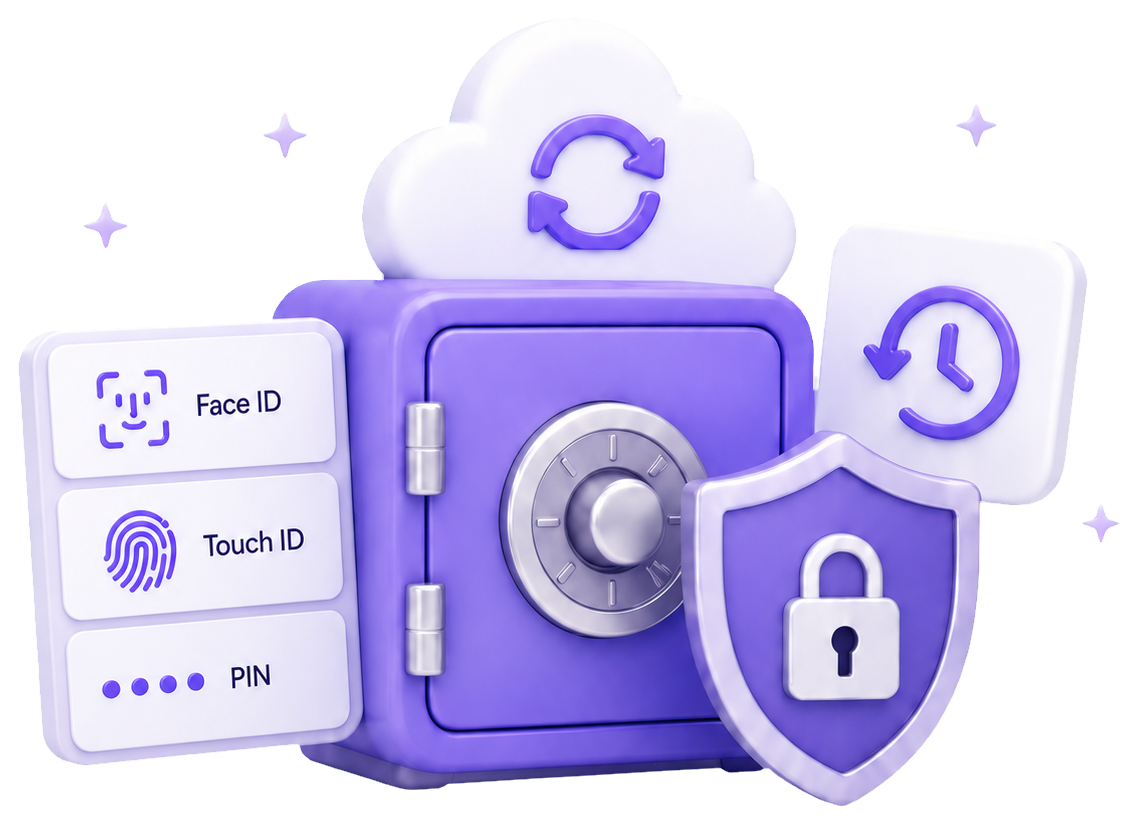
11Lock & authentication
Fast for you to open. Difficult for anyone else to expose.
- PIN or password with Face ID or Touch ID
- Configurable auto-lock and immediate manual lock
- App-switcher privacy cover and face-down panic lock
- Extra authentication for protected folders and private notes
- Reauthentication before sensitive actions
12Discretion & decoy tools
Privacy tools that protect what others can see before the vault opens.
- Familiar-looking and calculator camouflage lock screens
- Alternate Home Screen app icons
- A fully separate Decoy Vault opened with a second PIN
- Optional local intruder photo after an incorrect PIN
- Strict separation between main and decoy vault spaces
13Backup, sync & recovery
Privacy should never mean losing access to irreplaceable content.
- Password-protected encrypted manual backups
- Backup verification before you rely on an archive
- Restore adds content without deleting what is already there
- Optional private CloudKit sync across your Apple devices
- Same-device recovery key for resetting a forgotten unlock credential
14Recently Deleted
Accidental deletion remains reversible; permanent deletion stays deliberate.
- Restore individual or multiple vault items
- Return content to its original location
- Authenticated permanent deletion and Clear Trash
- Selectable Premium retention windows from 1 to 90 days
- Separate guidance for Apple Photos Recently Deleted
15Safety & storage center
Understand protection, recovery readiness and device storage at a glance.
- Protection status and security score
- Authentication, auto-lock and permission review
- Vault, Trash, app and device storage summaries
- Recovery, backup and sync recommendations
- Failed-login activity and private intruder alerts
16iOS integrations
Private workflows that feel native across iPhone and iPad.
- Share Extension for photos and files
- Save to iPrivate Data action in Apple Shortcuts
- AutoFill Credential Provider extension
- Generic private reminders for backup, sync and expiry
- Responsive iPhone and iPad layouts with accessibility support